Related Articles
When buying a computer, laptop, or smartphone, RAM is one of the specifications that often creates confusion. You may see devices with 4GB, 8GB, 16GB, 32GB, or even more RAM, but it is not always easy to understand how much RAM you actually need. More RAM can make a device feel faster and help you run more applications at the same time, but buying more than you need may not provide much benefit for your everyday use.
The right amount of RAM depends on what you normally do with your device. Someone who mainly browses the internet and checks email will have very different RAM needs from a gamer, video editor, programmer, or professional who works with large files.
In this guide, I will explain how much RAM you need for different types of users and what you should consider before choosing a device.
What Is RAM?
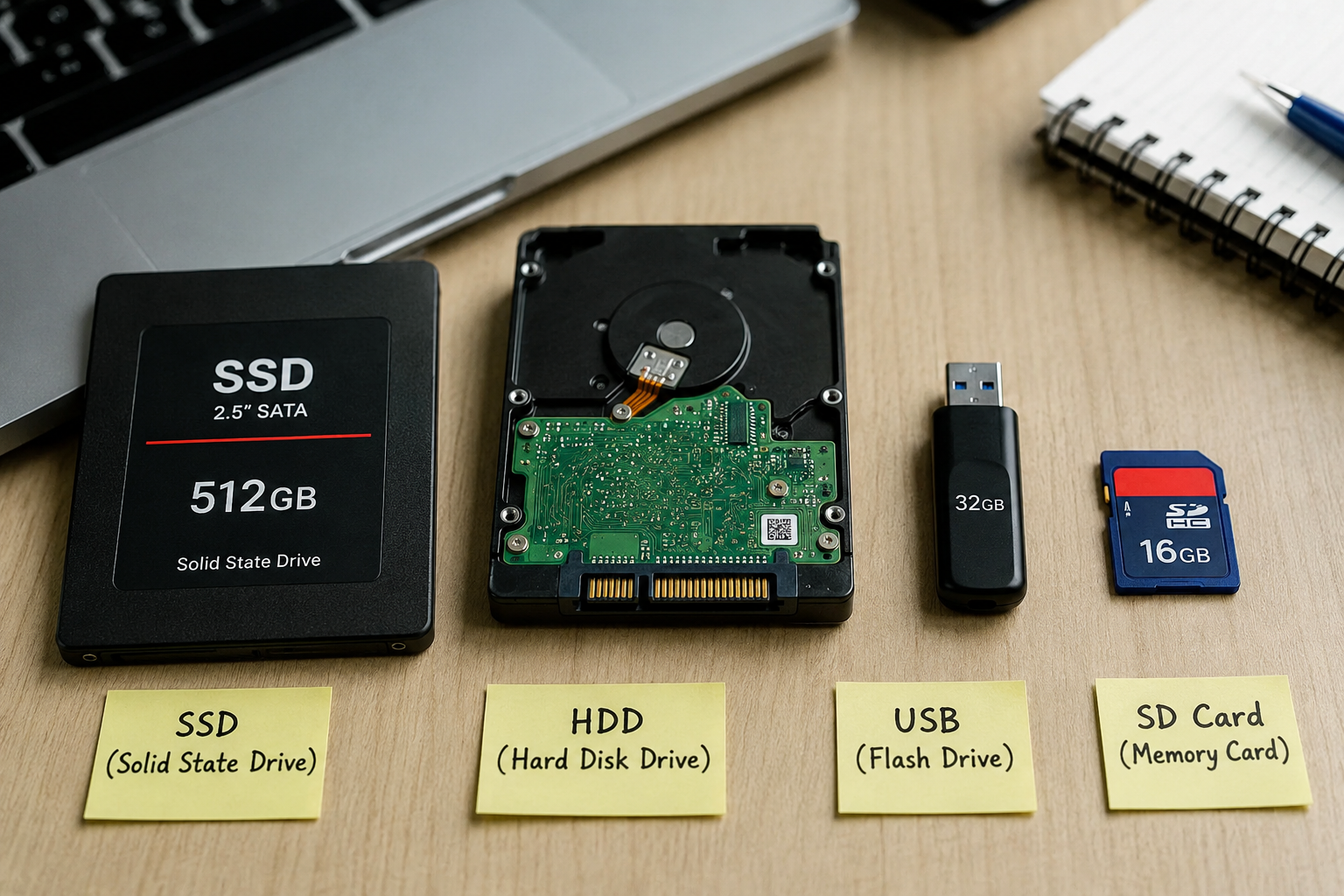
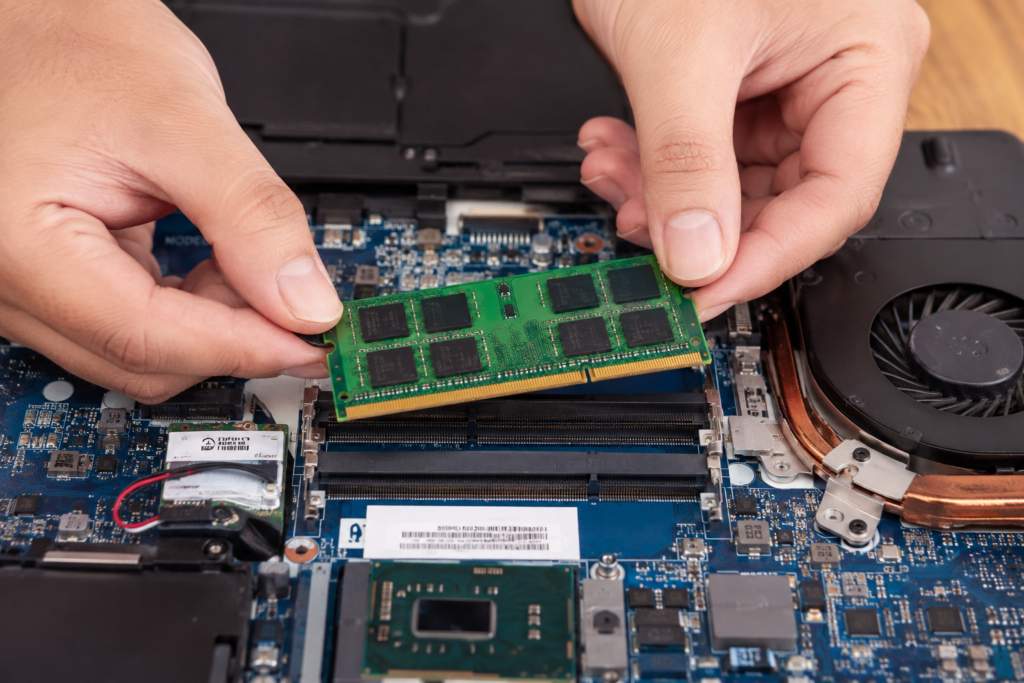
RAM stands for Random Access Memory. It is a type of temporary memory that your device uses while programs and applications are running. Unlike storage, which keeps your files and applications even after you turn off the device, RAM is used to hold information that your device needs to access quickly.
For example, if you open a web browser, music player, messaging application, and document at the same time, your device uses RAM to keep those applications ready for use. When you have enough RAM, switching between applications can feel smooth and responsive.
If your device does not have enough RAM, it may need to use storage as temporary memory. This can make the system feel slower, especially when many applications are open.
How Much RAM Do You Need for Everyday Use?
For basic everyday use, 8GB of RAM is generally a good starting point. It is suitable for tasks such as browsing websites, watching videos, checking email, using social media, writing documents, and using basic applications.
If you only use your computer for simple tasks, you may not need 16GB or 32GB of RAM. However, 8GB can become limiting if you regularly keep many browser tabs open or use several applications at the same time.
For a new laptop or desktop that you expect to use for several years, I would consider 16GB a more comfortable choice. It gives you more room for multitasking and can help your computer remain useful as applications become more demanding.
Is 4GB RAM Enough?
A device with 4GB RAM can still handle basic tasks, but it is becoming increasingly limited. You might be able to browse the internet, read emails, and perform simple tasks, but multitasking can become difficult.
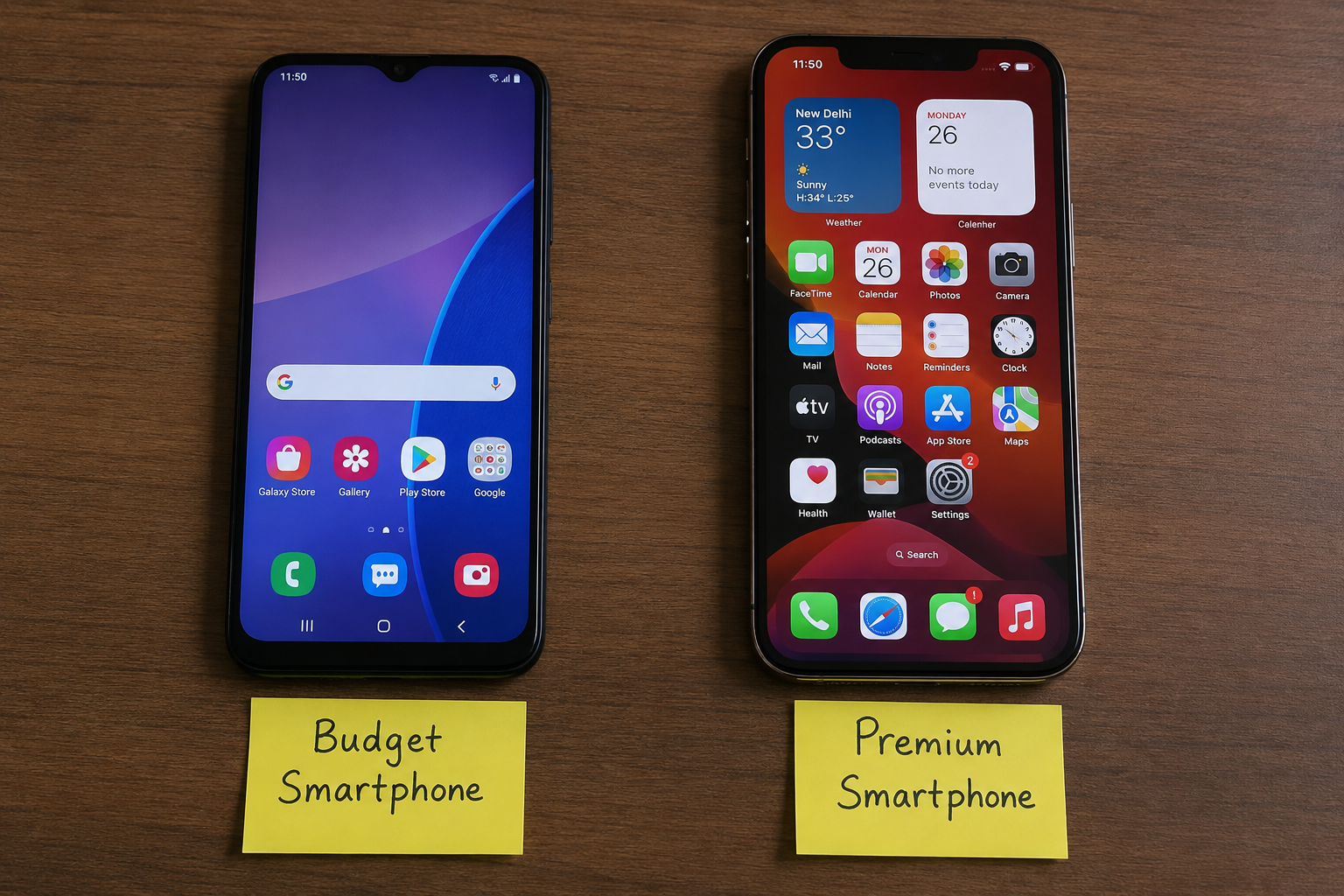
For example, opening many browser tabs while running another application may cause the device to slow down. Budget smartphones and very inexpensive computers sometimes still use 4GB RAM, but I would not recommend choosing 4GB if you want a computer that will remain comfortable to use for several years.
If your budget allows it, moving from 4GB to 8GB can make a noticeable difference in everyday use.
How Much RAM Do You Need for Gaming?
Gaming requirements depend on the games you play and the rest of your computer hardware. For many modern PC games, 16GB of RAM is a good choice.
With 16GB RAM, you can play many games while also keeping other applications open. It also provides a reasonable amount of headroom for newer games.
Some gamers may choose 32GB RAM, especially when using demanding games, streaming software, voice chat, browsers, recording tools, or other applications at the same time.
However, RAM is not the only factor that affects gaming performance. Your processor, graphics card, storage drive, cooling system, and game settings also play important roles. Increasing RAM will not automatically make every game run faster.
How Much RAM Do You Need for Work and Study?
For students and people who use a computer for office work, 8GB RAM can be enough for basic tasks. This includes writing assignments, attending online meetings, browsing websites, creating presentations, and using common office applications.
However, 16GB RAM is a better option if your work involves multitasking. You might have a browser with many tabs open, a document, a spreadsheet, an online meeting, and communication applications running together.
For professional users who work with large spreadsheets, databases, programming tools, design applications, or other demanding software, 16GB or more can be useful.
How Much RAM Do You Need for Video Editing?
Video editing can require significantly more memory than normal browsing or office work. If you regularly edit videos, 16GB RAM is a reasonable starting point.
For larger projects, higher resolution video, professional editing software, and more complex workflows, 32GB RAM can provide a smoother experience. Professional editors working with very large projects may benefit from 64GB or more.
The amount of RAM you need also depends on the resolution and type of footage you work with. Editing simple short videos is very different from working with large high resolution projects.
How Much RAM Do You Need for Photo Editing?
For basic photo editing, 8GB RAM may be enough, but 16GB is generally more comfortable. Image editing applications can use a significant amount of memory when working with large images and multiple files.
If you work with large RAW images, many layers, or several creative applications at once, 32GB RAM may be worth considering.
For casual photo editing, there is usually no need to spend extra money on extremely high RAM capacities.
How Much RAM Do You Need for Programming?
Programming requirements vary depending on the type of development you do. For basic coding, web development, and learning programming, 8GB RAM can work.
However, 16GB RAM is a better choice for most developers because modern development environments can use considerable memory. If you work with virtual machines, emulators, containers, databases, or large projects, having 32GB RAM can be very useful.
Developers who regularly run several virtual machines or other demanding tools may need even more memory.
How Much RAM Do You Need on a Smartphone?
RAM is also important when choosing a smartphone. The amount you need depends on the operating system, applications, and how you use your phone.
For basic smartphone use, such as calling, messaging, browsing, watching videos, and using social media, 4GB to 6GB RAM can be enough on some devices.
For smoother multitasking and gaming, 8GB RAM is a strong option. Users who frequently run demanding games and several applications may prefer 12GB or more.
It is important to remember that smartphone RAM and computer RAM should not be compared directly. Different operating systems and hardware configurations manage memory differently.
Does More RAM Make a Computer Faster?
More RAM can improve performance when your current amount of memory is not enough. If your computer frequently runs out of available RAM, adding more can make multitasking smoother.
However, adding RAM does not always make a computer faster. If you already have enough memory for your normal workload, increasing it further may have little effect.
For example, someone who only browses the web and writes documents may not notice a major difference between 16GB and 32GB RAM. The extra memory becomes more valuable when the workload is demanding.
8GB vs 16GB RAM
The choice between 8GB and 16GB RAM is common when buying a laptop or desktop.
8GB RAM is suitable for basic browsing, office work, streaming, studying, and simple everyday tasks. It can also handle light multitasking.
16GB RAM provides more flexibility. It is better for heavier multitasking, gaming, programming, creative applications, and long term use.
If the price difference is reasonable, I would usually choose 16GB for a new computer because it gives you more room for future applications and changing workloads.
16GB vs 32GB RAM
For many users, 16GB is enough. It can handle everyday work, gaming, programming, and many creative tasks.
32GB becomes more useful for people who perform demanding work or frequently run multiple heavy applications. Video editors, professional designers, developers using virtual machines, and serious gamers may benefit from it.
If you do not have a specific workload that needs 32GB, there may be little reason to pay extra for it.
What Should You Consider Before Buying RAM?
Before deciding how much RAM you need, think about your actual usage. Consider the applications you use most often and whether you usually multitask.
You should also check whether the RAM can be upgraded later. Some laptops have memory that is soldered to the motherboard, while desktops often provide more flexibility.
Another important point is to check the manufacturer’s recommended specifications for the applications and games you use. These requirements can give you a better idea of how much memory you should have.
Finally, consider how long you plan to keep the device. If you want to use a computer for many years, choosing a little more RAM today may help you avoid limitations later.
Final Thoughts
So, how much RAM do you need? For basic everyday computer use, 8GB can be enough. For most people buying a modern laptop or desktop, 16GB is a comfortable and practical choice. Gamers, developers, video editors, and other demanding users may benefit from 32GB or more.
The important thing is not simply choosing the device with the highest RAM capacity. Instead, choose an amount that matches your workload and budget.
For me, 16GB RAM is a good balance for most computer users because it provides enough memory for everyday tasks, multitasking, entertainment, and many demanding applications. If your work involves professional editing, advanced development, virtual machines, or other memory intensive tasks, moving to 32GB or more can make sense.
Understanding your own usage is the best way to decide how much RAM you need. Once you know what you normally do on your device, choosing the right amount of RAM becomes much easier.