Related Articles
Android smartphones have become an important part of our daily lives. We use them for communication, banking, shopping, social media, work, entertainment, and storing personal information. Because so much important data is kept on a phone, Android updates and security should not be ignored.
Many people think that software updates are only about getting new features or changing the look of the phone. In reality, updates can play a major role in keeping a smartphone safe. They can fix security problems, improve system performance, solve software issues, and sometimes make the phone more reliable.
Understanding Android updates and security can help you make better decisions when buying and using a smartphone. It can also help you understand why keeping your phone updated is one of the simplest things you can do to protect your personal information.
What Are Android Updates?
Android updates are software improvements released for Android devices. These updates can come from Google, smartphone manufacturers, or mobile carriers depending on the device and region.
An update may include new features, performance improvements, bug fixes, changes to the user interface, and security improvements. Some updates are small and can be installed quickly, while major Android versions can bring larger changes to the overall system.
For example, a new Android version may improve privacy controls, notification management, battery efficiency, or compatibility with newer applications. Smaller updates may simply fix problems that were discovered after the previous software release.
Not every update changes something that you can immediately see. Some of the most important improvements work quietly in the background.
Why Android Security Updates Matter
Security updates are especially important because they are designed to address vulnerabilities. A vulnerability is a weakness in software that could potentially be used by attackers.
If a security problem is discovered in Android or another part of the smartphone software, developers can work on a solution. That solution may then be included in a security update.
This is one reason Android security updates should not be ignored. Even if your phone is working perfectly, it may still have security weaknesses that you cannot see.
A phone that receives regular security updates generally has better protection against known software vulnerabilities than a phone that has not been updated for a long time.
How Security Updates Protect Your Phone
Security updates can address different types of software weaknesses. Some may relate to the Android operating system itself, while others may affect components used by applications or device hardware.
Attackers are constantly looking for ways to take advantage of software weaknesses. A security update can close known openings and reduce the chances of certain attacks being successful.
This does not mean that an updated phone is completely protected from every threat. Users still need to be careful about suspicious applications, unsafe websites, phishing messages, and unknown files.
However, keeping Android software updated is an important part of a good security routine.
Android Version Updates and Security Updates Are Different
It is useful to understand the difference between Android version updates and security updates.
A major Android version update can introduce new features and significant changes to the operating system. It may change how certain settings work or add new tools for users.
A security update has a different main purpose. Its focus is fixing known security problems and improving protection.
You may receive a security update without receiving a completely new Android version. This is normal. A phone can remain on the same Android version while continuing to receive security improvements.
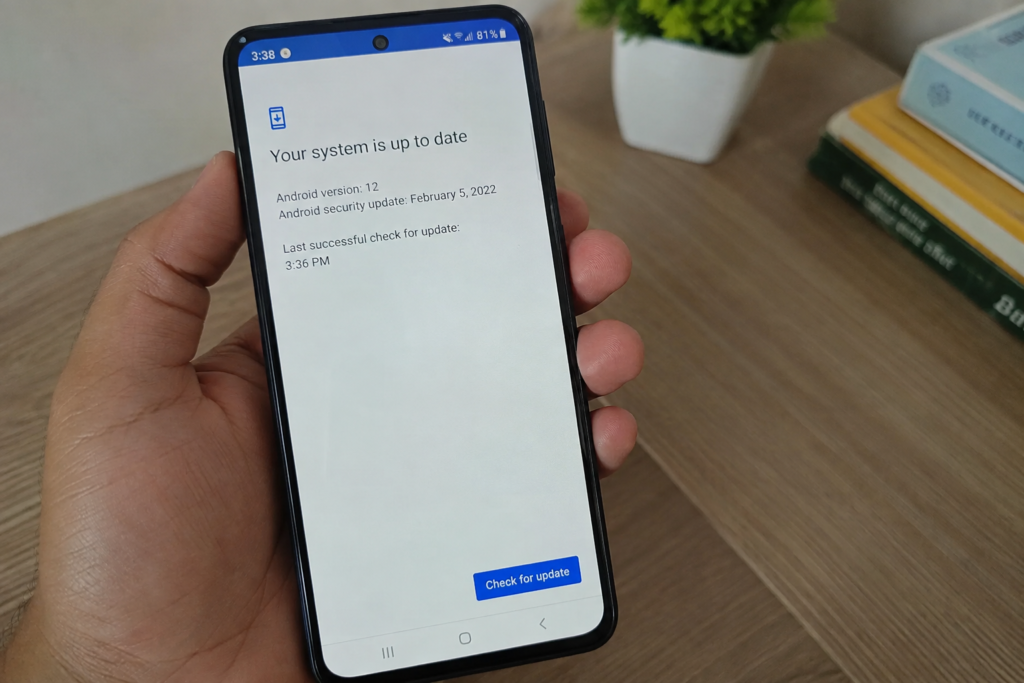
For this reason, checking only the Android version is not enough. You should also check the security update information in your phone settings.
How to Check Android Updates
Checking for updates is usually simple. On many Android smartphones, you can open Settings and look for a section related to Software Update or System Update.
The exact location can be different depending on the manufacturer. Once you find the update section, the phone can check whether new software is available.
Before installing a major update, it is a good idea to connect the phone to a reliable WiFi network and make sure the battery has enough charge. You should also keep important information backed up.
Automatic updates can make this process easier because the phone can install available software without requiring you to remember to check manually.
Why You Should Not Ignore Update Notifications
Some people repeatedly postpone updates because they are busy or because they do not notice any problems with their phone. While delaying an update for a short time may not create an immediate problem, regularly ignoring updates is not a good habit.
Security problems can exist even when everything appears normal. Your phone does not always show signs that it needs a security fix.
An update notification may look unimportant, but it could contain fixes for issues that are difficult for ordinary users to notice.
If an update comes from a trusted manufacturer or the Android system, installing it when convenient is generally a sensible step.
What Happens When a Phone Stops Receiving Updates?
One important consideration when buying an Android smartphone is how long it will receive software and security updates.
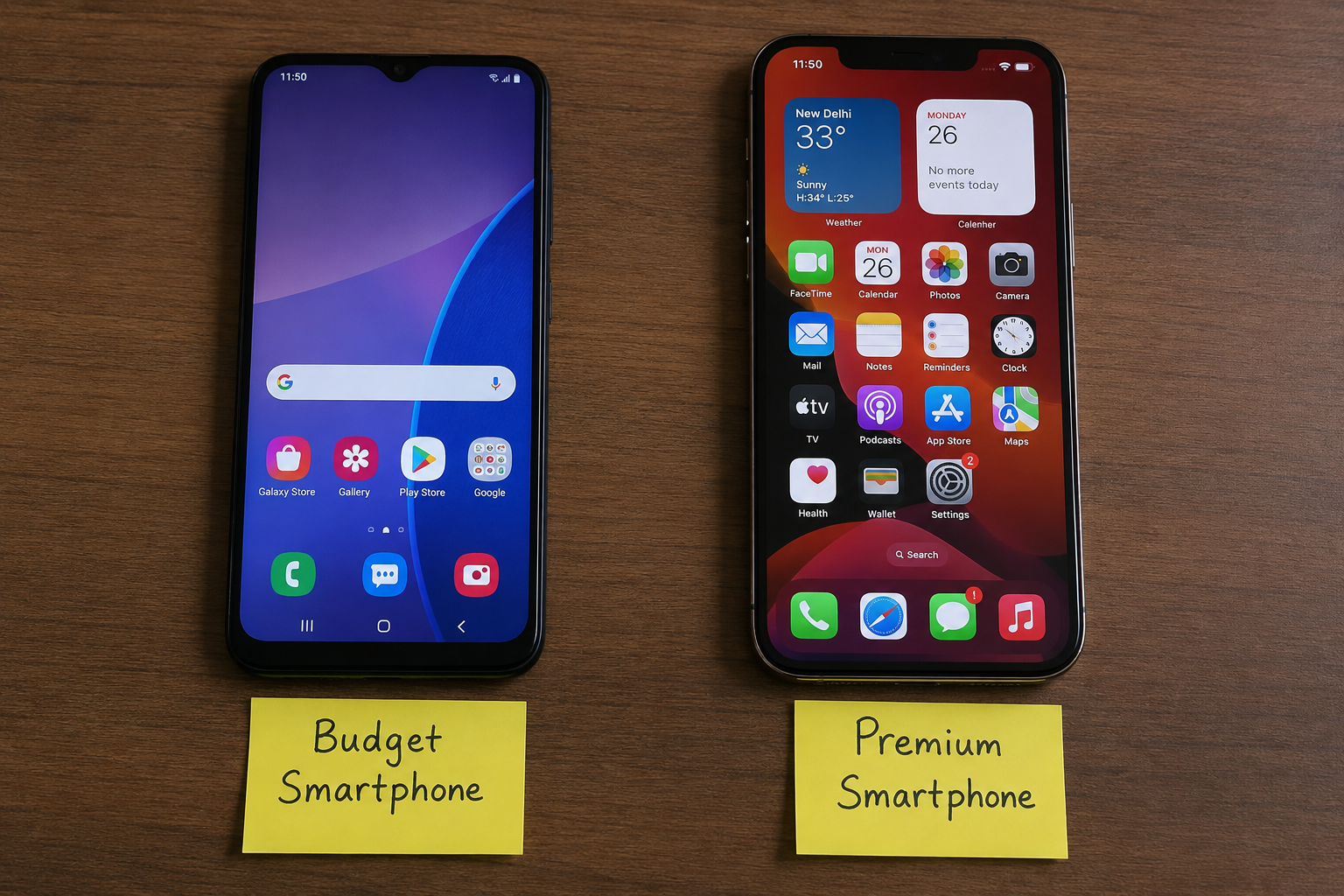
Different manufacturers and different phone models can have different update policies. Some devices receive updates for several years, while older or less expensive devices may receive support for a shorter period.
When a phone stops receiving security updates, it does not suddenly become useless. You can still make calls, use applications, browse the internet, and perform many other tasks.
However, the device may no longer receive fixes for newly discovered security vulnerabilities. Over time, this can become an important security concern.
This is why software support should be considered before purchasing a new smartphone.
Android Security Starts With the User
Software updates are only one part of Android security. Your own habits are equally important.
You should avoid downloading applications from unknown sources unless you completely understand what you are installing. Before installing an application, check its developer, permissions, reviews, and reputation.
Be careful with links received through text messages, emails, and social media. A message that asks you to enter your password or financial information should be treated carefully.
It is also important to use a strong screen lock. A PIN, password, or suitable biometric security feature can help prevent other people from accessing your information if your phone is lost or stolen.
Keep Your Applications Updated
Android updates are important, but applications also need regular updates.
Application developers release updates to fix bugs, improve performance, add features, and address security problems. An outdated application can sometimes contain weaknesses that have already been fixed in a newer version.
Using automatic application updates can make this easier. You should also remove applications that you no longer use, especially if they have access to sensitive information.
Keeping both the operating system and applications updated provides a stronger overall security approach.
Back Up Important Information
Security is not only about preventing attacks. It is also about protecting your information if something goes wrong.
Important photos, documents, contacts, and other files should be backed up regularly. A backup can be useful if your phone is damaged, lost, stolen, or affected by a serious software problem.
You can use trusted cloud backup services or another secure backup method that suits your needs.
A backup does not replace Android security updates, but it provides an additional layer of protection for your personal information.
Android Updates and Battery Life
Some users worry that updates will make their phone slower or reduce battery life. The experience can vary depending on the device, software version, and hardware.
An update may sometimes cause temporary battery changes while the phone completes background tasks after installation. In other cases, an update can actually improve battery management and performance.
If your phone behaves differently immediately after an update, give it some time before deciding that the update caused a permanent problem.
It is also a good idea to read the update information before installing major software changes so you know what improvements or fixes are included.
What to Look For When Buying an Android Phone
If you are planning to buy an Android smartphone, do not focus only on the camera, display, processor, or battery.
Check the manufacturer’s software support policy as well. Find out how long the phone is expected to receive Android version updates and security updates.
Longer software support can make a phone a better long term purchase. It can also help you avoid replacing the device simply because it no longer receives important security improvements.
A slightly more expensive phone with strong software support may provide better value over several years than a cheaper phone with limited support.
Final Thoughts
Android updates and security are closely connected. Updates can bring new features and performance improvements, but their security benefits are just as important.
Keeping your Android phone updated can help protect it against known software vulnerabilities. You should also keep applications updated, use a secure screen lock, avoid suspicious links and applications, and regularly back up important information.
When buying a new Android smartphone, software support should be one of the factors you consider. A phone with reliable and long term security updates can provide greater peace of mind and remain useful for a longer period.
Android security is not something that should only be considered after a problem occurs. By keeping your phone updated and following simple security habits, you can make your everyday smartphone experience safer and more reliable.