Related Articles
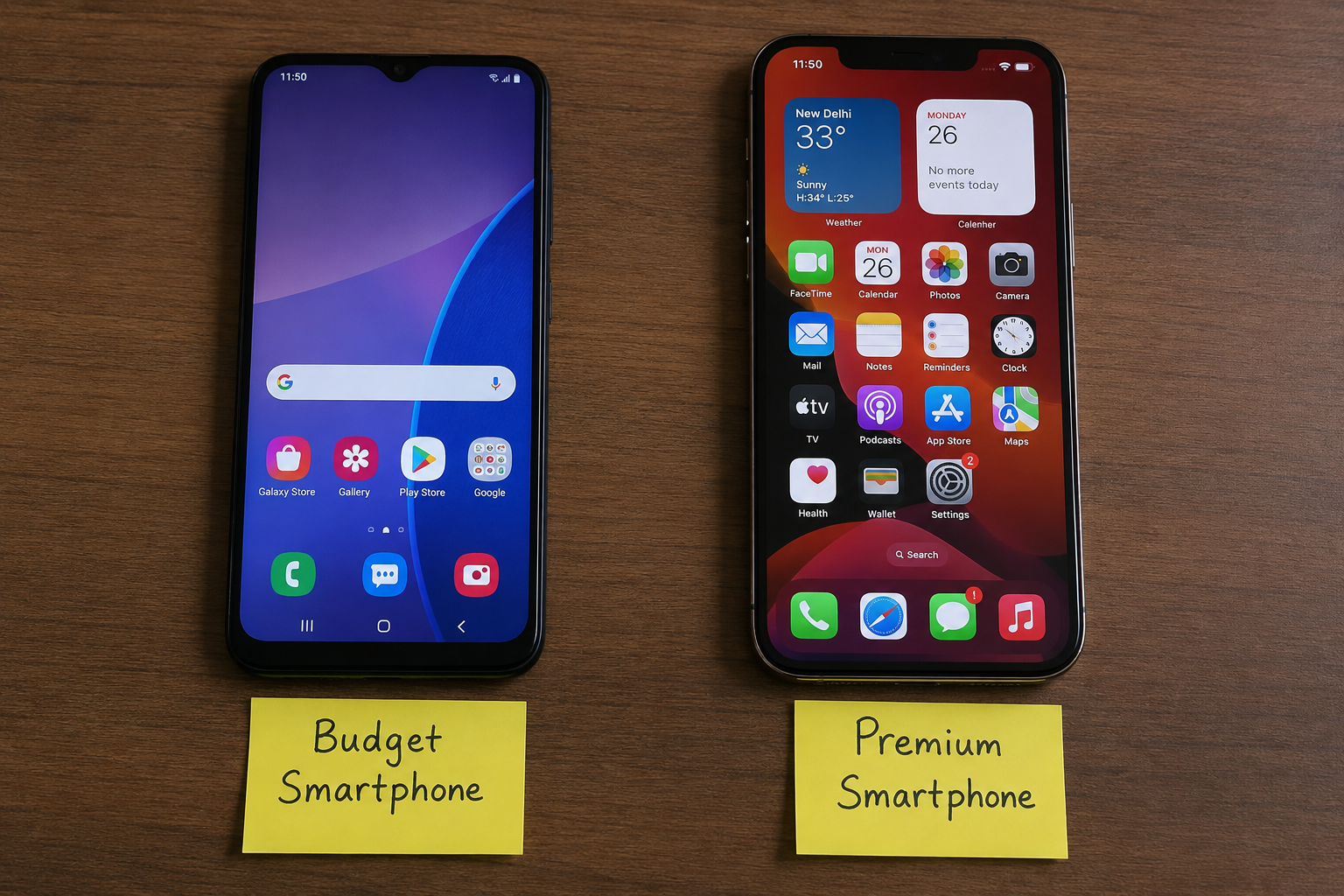
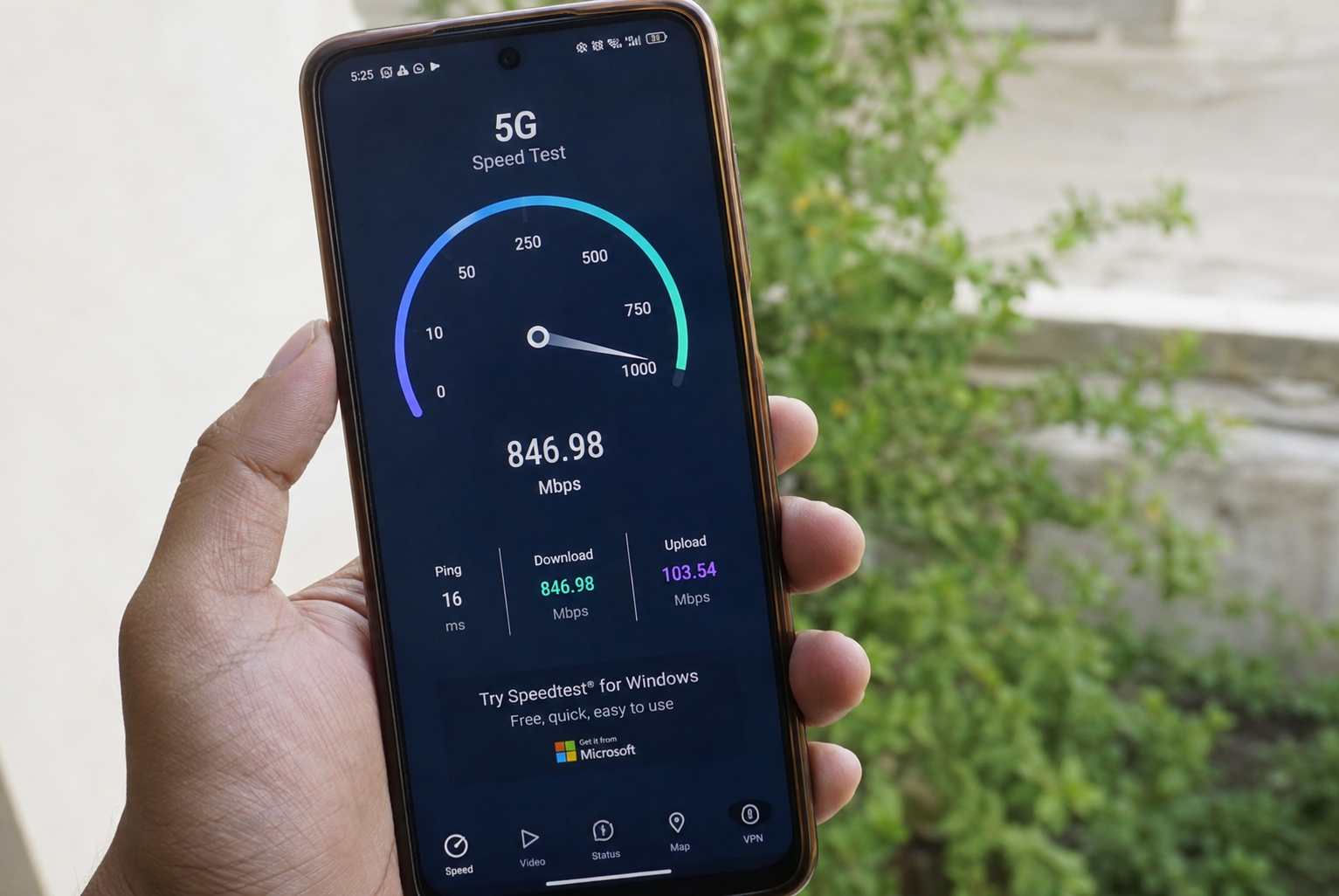
Choosing the right display can make a big difference in how you use a smartphone, laptop, monitor, tablet, or television. A good display makes images look clear, videos more enjoyable, text easier to read, and everyday tasks more comfortable. However, many people focus only on screen size or resolution and forget about other important display features.
When you are planning to buy a new device, it is important to understand what makes a display good for your needs. Different people have different requirements. A student may need a comfortable screen for reading and studying, while a gamer may care more about refresh rate and response time. Someone who watches movies may prefer better colors, contrast, and brightness.
In this guide, I will explain how to choose the right display by looking at the most important features in simple terms.
Understand Your Main Purpose
The first step in choosing the right display is understanding how you will use it. There is no single display that is perfect for everyone.
If you mainly use your device for browsing the internet, reading articles, checking emails, and working with documents, you should focus on text clarity, comfortable brightness, and good viewing angles.
For gaming, refresh rate, response time, resolution, and adaptive synchronization are more important. If you enjoy watching movies or editing photos, color accuracy, contrast, and panel quality should receive more attention.
Before buying a device, think about your daily activities. This will help you spend money on features that you will actually use.
Choose the Right Screen Size
Screen size is one of the first things people notice when comparing displays. A larger screen can provide more space for videos, applications, documents, and games. However, bigger is not always better.
For a smartphone, a screen around 6 inches or slightly larger can provide a good balance between viewing comfort and portability. A tablet can offer a much larger display for reading, studying, and entertainment.
For computer monitors, smaller displays can work well for basic office tasks, while larger screens are useful for gaming, creative work, and multitasking.
You should also consider the available space around your desk or in your room. The right display should fit comfortably without making your setup difficult to use.
Check the Display Resolution
Resolution refers to the number of pixels used to create the image on the screen. A higher resolution generally provides more detail and sharper images.
Common resolutions include Full HD, Quad HD, and 4K. Full HD can be enough for everyday browsing, office work, and many budget devices. Quad HD can provide extra sharpness and is popular among people who want a detailed image without moving all the way to 4K.
A 4K display provides a very detailed image and can be useful for large monitors, televisions, photography, video editing, and other tasks where image detail matters.
However, higher resolution can also require more processing power and may increase the price. Therefore, do not choose a resolution simply because it is higher. Choose one that matches your screen size, viewing distance, and usage.
Look at the Refresh Rate
Refresh rate is another important factor when choosing the right display. It tells you how many times the screen can update the image every second.
A standard 60Hz display is suitable for normal browsing, office work, watching videos, and general use. Higher refresh rates such as 90Hz, 120Hz, 144Hz, or more can make scrolling, animations, and gaming feel smoother.
Gamers often prefer displays with higher refresh rates because fast movement can appear smoother. Even regular users may notice smoother scrolling on a higher refresh rate screen.
Still, refresh rate should not be considered alone. A display with a high refresh rate but poor colors or low brightness may not provide the best overall experience.
Understand Display Panel Types
Different displays use different panel technologies. The most common types include IPS, VA, and OLED.
IPS displays are known for good viewing angles and generally balanced color performance. They are popular for office work, general use, creative tasks, and many gaming monitors.
VA panels usually provide strong contrast, which can make dark scenes look better. They can be a good choice for movies and general entertainment.
OLED displays are known for excellent contrast and deep blacks because individual pixels can turn off completely. They can provide impressive picture quality and vibrant images.
Each panel type has advantages and disadvantages, so your choice should depend on what matters most to you.
Consider Brightness
Brightness is especially important if you frequently use your device in bright rooms or outdoors. A display with good brightness is easier to see when there is a lot of surrounding light.
For indoor use, you may not need extremely high brightness. However, if you work near windows or use a laptop outdoors, a brighter display can be much more comfortable.
At the same time, extremely high brightness is not always necessary. You should also make sure the display can reduce its brightness enough for comfortable use in darker environments.
Pay Attention to Color Quality
Color quality matters if you enjoy movies, photography, graphic design, video editing, or other visual work.
A display with good color reproduction can make images look more natural and accurate. Some screens are designed to produce very vibrant colors, while others focus more on accurate color reproduction.
If you are buying a display for professional photo or video work, check its color coverage and color accuracy instead of relying only on marketing terms.
For normal users, a display with natural colors and good overall image quality is usually enough.
Check Contrast and Black Levels
Contrast describes the difference between bright and dark areas of an image. Good contrast can make pictures appear more detailed and enjoyable.
This is especially noticeable when watching movies or playing games with dark scenes. A display with poor black levels may make dark areas look gray instead of truly dark.
OLED displays are particularly strong in this area because their pixels can turn off individually. Other display technologies can still provide good contrast, especially when designed well.
Think About Viewing Angles
Viewing angles are important when more than one person may look at the screen or when you do not always sit directly in front of it.
A display with good viewing angles keeps its colors and brightness more consistent when viewed from the side. IPS and OLED displays generally perform well in this area.
This feature may not be very important if you always use your monitor directly in front of you, but it can be useful for televisions, tablets, and shared screens.
Check Response Time
Response time is particularly important for gaming. It refers to how quickly a pixel can change from one color to another.
A faster response time can reduce motion blur and ghosting during fast movement. Competitive gamers may pay close attention to this specification.
For normal office work, browsing, and watching videos, response time is usually less important. This is another example of why you should choose display features according to your actual needs.
Consider Eye Comfort
A display can be technically impressive but still uncomfortable if you use it for many hours.
When choosing the right display, look for features such as flicker reduction, comfortable brightness control, and a good viewing experience. A matte screen surface can also help reduce reflections in certain environments.
You should also consider how far you sit from the screen and whether the screen is positioned at a comfortable height.
Remember that display quality is only one part of comfortable screen use. Taking regular breaks and adjusting your workspace can also help.
Check Adaptive Sync Features
If you are buying a gaming monitor, adaptive synchronization can be useful. Technologies such as variable refresh rate features help the display and graphics hardware work together more smoothly.
This can reduce problems such as screen tearing and make gameplay feel more consistent.
If gaming is not important to you, you may not need to pay extra for advanced gaming features.
Do Not Ignore Connectivity
The display itself is important, but the available ports can also affect your experience.
Depending on the device, you may need HDMI, DisplayPort, USB, USB C, or other connections. Before buying a monitor, check whether its ports are compatible with your computer, gaming console, laptop, or other devices.
This simple step can prevent compatibility problems later.
Balance Features With Your Budget
It is easy to spend more money when looking at display specifications. However, the most expensive display is not automatically the best choice for you.
Make a list of the features you actually need. For example, if you mostly browse websites and work with documents, you may not need an expensive OLED gaming monitor.
On the other hand, if you edit professional videos or play competitive games, investing more in a high quality display may make sense.
The goal is to find the best balance between quality, features, and price.
Final Thoughts
Learning how to choose the right display becomes much easier when you understand what each specification actually means. Screen size, resolution, refresh rate, panel type, brightness, color quality, contrast, viewing angles, and response time can all affect your experience.
The best display depends on your personal needs. A student may prioritize comfort and sharp text, a gamer may want a high refresh rate and fast response time, while a content creator may care more about color accuracy and resolution.
Before making a purchase, avoid focusing on a single specification. Look at the complete display and think about how it will fit into your everyday life. By comparing the important features and staying within your budget, you can choose a display that provides a comfortable and enjoyable viewing experience for years to come.