
Related Articles

QR codes are now a common part of everyday life. We see them on restaurant tables, product packages, payment counters, tickets, posters, business cards, and even television screens. Most people know that they can scan a QR code with a smartphone, but many do not know what actually happens after the camera recognizes those small black and white squares.
A QR code is much more than a simple picture. It is a smart way of storing information in a visual pattern that computers and smartphones can quickly read. The information inside a QR code can include a website address, contact details, text, payment information, WiFi settings, or other types of data.
Understanding how QR codes store and share information can make this technology much easier to understand. In this article, I will explain how QR codes work, how data is stored inside them, how smartphones read them, and why they have become so useful in modern life.
What Is a QR Code?
QR stands for Quick Response. A QR code is a type of two dimensional barcode that can store information using a pattern of small squares.
Traditional barcodes usually store information in one direction. They contain lines with different widths that represent data. QR codes work differently because they store information both horizontally and vertically. This allows them to hold considerably more information than many traditional one dimensional barcodes.
When you look at a QR code, it may appear to be a random collection of black and white squares. However, those squares follow specific rules. Their position, size, and arrangement help a QR scanner understand the information stored inside the code.
One interesting thing about QR codes is that they do not necessarily need an internet connection to be decoded. The information is physically stored in the pattern. However, if the QR code contains a website address, an internet connection will normally be required to open that website.
How Do QR Codes Store Information?
The main idea behind QR code storage is converting information into a digital format and then representing that information using a pattern of modules.
A module is one of the small squares that make up a QR code. Depending on the information being stored, some modules are dark and others are light.
Computers understand information as digital data. QR code software converts the information into a series of binary values. Binary data uses two basic states, commonly represented as zero and one.
The QR code generator then arranges this information inside the QR code according to established rules.
For example, if you create a QR code containing a website address, the generator does not simply place the visible letters inside the image. Instead, it converts the information into a suitable encoded data format and places that data into the QR code structure.
This is why a QR code can look completely different from the information it contains.
The Important Parts of a QR Code
A QR code contains several important areas that help a scanner understand its structure. These areas are not simply decorative. They provide essential information to the scanning system.
Finder Patterns
The three large square patterns usually found in the corners of a QR code are called finder patterns.
They help the scanner identify that the image is a QR code. They also help determine the orientation of the code.
Because the three main finder patterns are positioned at specific corners, the scanner can understand whether the QR code is tilted, rotated, or being viewed from a different angle.
This is one of the reasons QR codes can often be scanned even when they are not perfectly straight.
Timing Patterns
QR codes also contain timing patterns. These patterns help the scanner understand the position of individual modules.
They create a reference system that makes it easier for the decoding software to determine where one module ends and another begins.
Without these structural elements, reading the data accurately would be much more difficult.
Data Area
The data area contains the actual information stored in the QR code.
This is where the encoded content is placed. Depending on the QR code, the data could represent text, a URL, contact information, a WiFi configuration, or other supported information.
Quiet Zone
A QR code normally needs some empty space around its outside edge. This area is called the quiet zone.
The quiet zone helps separate the QR code from surrounding text, images, or other objects.
When a QR code has enough clear space around it, scanning software can more easily recognize its boundaries.
How Does a QR Code Scanner Read Information?
The process of scanning a QR code may seem almost instant, but several things happen in a very short amount of time.
First, the smartphone camera captures an image of the QR code.
The scanning software then analyzes the image and looks for patterns that indicate the presence of a QR code.
Once the QR code is detected, the software identifies its orientation and determines the positions of the modules.
The scanner then separates the useful information from the structural parts of the code.
After that, the encoded data is processed and converted back into information that the phone can understand.
If the QR code contains plain text, the text can be displayed directly.
If it contains a website address, the phone may offer to open the website in a browser.
If it contains WiFi information, the phone may provide an option to connect to the network.
This entire process can happen within a second, which explains why QR codes feel so convenient in everyday use.
How Error Correction Works in QR Codes
One of the most useful features of QR codes is error correction.
A QR code can sometimes be scanned even when part of it is damaged, dirty, covered, or missing.
This is possible because QR codes can include additional information that helps the decoder recover damaged or missing data.
There are different levels of error correction available when creating a QR code. Higher error correction can make a QR code more resistant to damage, although it generally requires more space for additional information.
This feature is particularly useful for printed QR codes.
Imagine a QR code printed on a product label that becomes slightly scratched. If enough of the code remains readable, the scanner may still be able to recover the original information.
The same principle can help when a QR code has a small logo or design element placed in the middle, although too much modification can make scanning unreliable.
What Information Can a QR Code Store?
QR codes can store many different types of information.
One of the most common uses is storing website addresses. Businesses can place a QR code on a poster, package, or advertisement so people can quickly visit a webpage.
QR codes can also store simple text.
For example, a person could create a QR code containing instructions, a short message, or other useful information.
Contact information is another common use. A QR code can contain details that allow users to save a contact to their phone.
QR codes can also be used for WiFi connections. Instead of typing a long network name and password, a person can scan a suitable QR code and receive the connection information.
Payments are another major application. Many payment systems use QR codes to exchange payment related information between customers and businesses.
Tickets and event passes can also use QR codes. When a person arrives at an event, a scanner can read the code and verify the information associated with it.
How QR Codes Share Information
A QR code does not physically send information through the air like a wireless radio signal. Instead, it provides a visual representation of information.
The sharing process begins when someone creates a QR code containing specific data.
The generated code can then be displayed or printed.
For example, a restaurant can display a QR code that contains the address of its digital menu. A customer scans it using a smartphone, and the phone reads the encoded information.
In this situation, the QR code acts as a bridge between the physical world and digital information.
The customer does not need to manually type a long web address. The visual code makes the process faster and easier.
This is one of the main reasons QR codes have become so popular.
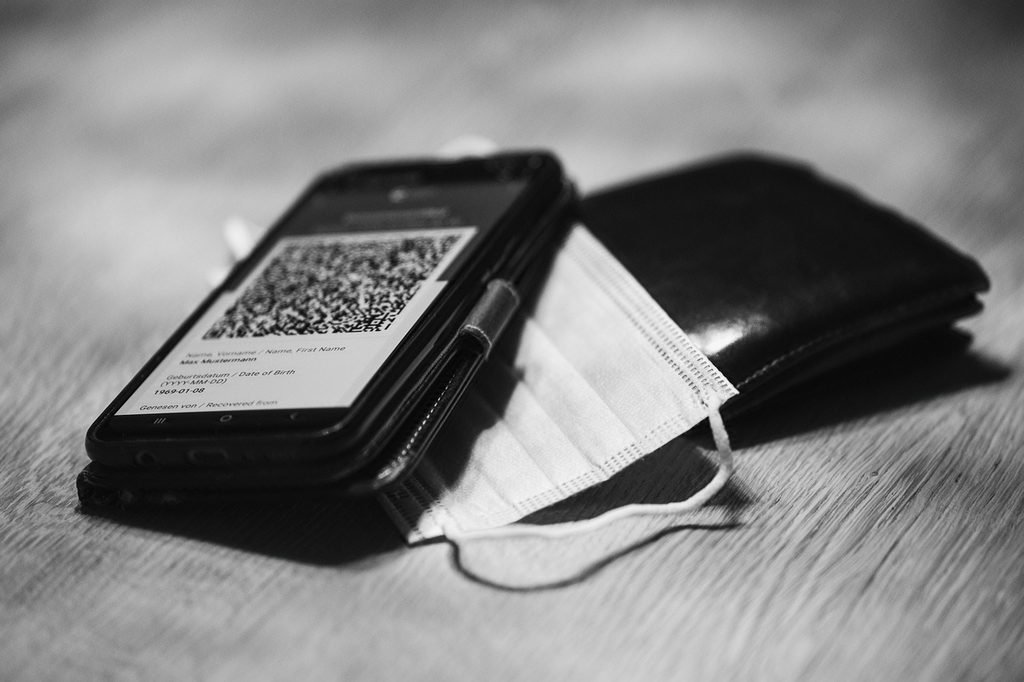
QR Codes and Websites
Website links are probably one of the most familiar uses of QR codes.
Suppose a company wants customers to visit a specific product page. Instead of printing a long URL on a poster, the company can create a QR code containing that URL.
When someone scans the code, the smartphone extracts the URL and can open it in a web browser.
The QR code itself does not necessarily contain the entire webpage. It normally contains the address that tells the device where to find the webpage.
This distinction is important.
A QR code containing a website address can work as a shortcut to online information. The code stores the address, while the actual webpage remains on a web server.
Static and Dynamic QR Codes
There are two common approaches to QR code usage: static and dynamic QR codes.
A static QR code contains information that is directly encoded into the code. If the information needs to change, the QR code usually needs to be replaced with a new one.
Dynamic QR codes work differently. They can use a URL that points to a service where the destination can be changed.
For example, a business could print one QR code on thousands of brochures. If the business later wants the code to direct users to a different webpage, the destination can sometimes be changed through the service managing the QR code.
This makes dynamic QR codes useful for marketing campaigns and businesses that need more control over their links.
However, the exact features of dynamic QR code services depend on the provider.
Why QR Codes Are So Easy to Use
The biggest advantage of QR codes is convenience.
Typing information manually can take time and can also cause mistakes. A QR code reduces the amount of manual input required.
For example, typing a long website address on a smartphone keyboard can be annoying. Scanning a QR code usually takes only a moment.
QR codes are also inexpensive to create and distribute. A business can print them on paper, packaging, signs, menus, receipts, and promotional materials.
They can also be displayed digitally on websites, mobile apps, computer screens, and television displays.
This flexibility has helped QR codes become useful across many industries.
Common Uses of QR Codes in Everyday Life
QR codes are now used in many situations that people encounter regularly.
Restaurants use them for digital menus and ordering systems.
Retail stores use them for product information, promotions, and payments.
Businesses use them on business cards and marketing materials.
Events use QR codes for tickets and check in systems.
Schools and educational organizations can use them to provide quick access to learning resources.
Hotels can use QR codes to provide information about facilities and services.
Manufacturers can place QR codes on products to provide manuals, instructions, or additional information.
Public transportation systems may also use QR codes for tickets and travel related services.
The technology is simple, but its applications are surprisingly broad.
Are QR Codes Secure?
A QR code itself is not automatically safe or unsafe. Its security depends largely on the information or destination it contains.
For example, a QR code may contain a legitimate website address. Another QR code could direct someone to a fake website designed to steal personal information.
This is why people should be careful when scanning unfamiliar QR codes.
Before opening a link, it is a good idea to check the website address displayed by the scanning application.
Users should also avoid entering passwords, banking information, or other sensitive details into suspicious websites.
Businesses should make sure their QR codes point to legitimate destinations and should regularly check printed codes used in public places.
QR codes are simply a technology for encoding and accessing information. They do not guarantee that the information behind them is trustworthy.
Can a QR Code Store a Lot of Information?
QR codes can store significantly more information than traditional one dimensional barcodes, but they are not unlimited storage devices.
The amount of information a QR code can hold depends on several factors, including the version of the QR code, the type of data, and the encoding method.
A QR code containing a short website address can remain relatively simple.
A QR code containing more information requires more modules and therefore becomes more complex.
As more information is added, the QR code generally becomes denser.
This is why shorter URLs are often useful when creating QR codes for practical purposes. A simpler code can be easier to print and scan.
Why QR Codes Can Be Scanned From Different Angles
Another interesting feature of QR codes is their ability to work even when the code is not perfectly aligned with the camera.
The structural patterns help scanning software understand the orientation of the code.
Modern smartphone cameras and image processing software can also correct for perspective and rotation.
As a result, users do not always need to hold their phones directly above the QR code.
However, there are still practical limits. If the code is extremely blurry, heavily damaged, too small, or covered by other objects, scanning may fail.
Good contrast and sufficient lighting also improve scanning reliability.
QR Codes in the Future
QR codes are likely to remain useful because they solve a simple problem very effectively.
They provide a quick connection between physical objects and digital information.
As smartphones continue to improve, scanning becomes even easier. Businesses are also finding new ways to use QR codes for customer services, payments, product information, and digital experiences.
QR codes may also become more closely connected with authentication systems, digital tickets, smart packaging, and interactive advertising.
Their future does not necessarily depend on becoming more complicated. Their strength comes from being simple, inexpensive, and widely supported.
Final Thoughts
Learning how QR codes store and share information shows why such a simple looking pattern has become an important part of modern technology.
A QR code converts digital information into a structured visual pattern. The pattern contains data along with information that helps a scanner understand its position and recover from certain errors.
When a smartphone scans the code, its camera captures the pattern and software analyzes the modules. The encoded information is then converted back into useful data.
Sometimes that data is text. Sometimes it is a website address, contact information, WiFi details, payment information, or a digital ticket.
The most impressive part is how quickly the entire process happens.
From restaurant menus to product packaging and digital payments, QR codes have made sharing information easier between the physical and digital worlds.
Once you understand what is happening behind those black and white squares, QR codes no longer look like random patterns. They become a practical example of how digital information can be stored visually and accessed almost instantly.